 Live Webcams in Santo Domingo
Explore live streaming views from Santo Domingo, . Check current weather conditions, traffic, and beautiful local spots.
Latest Cameras
5 streams found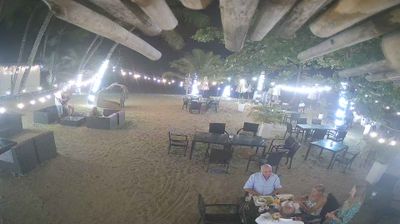
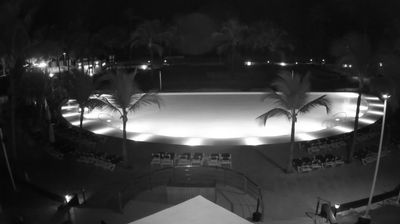
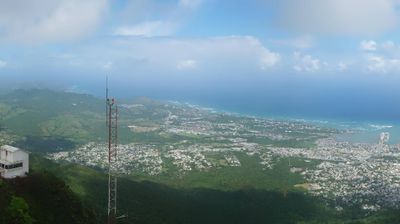
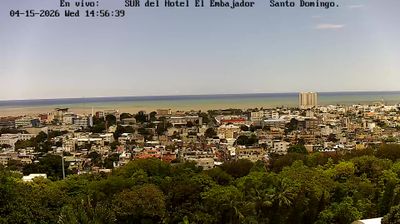
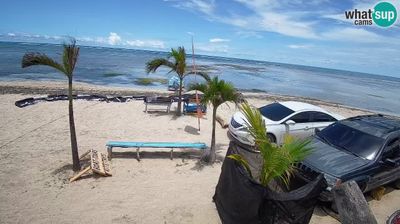
Virtual Travel to Santo Domingo
Whether you are planning a real-world visit or just digital globe-trotting, the live webcams in Santo Domingo offer an unfiltered glimpse into daily life. Watch the sunrise, check the local traffic before your commute, or simply enjoy the urban and natural landscapes that make this location unique. Bookmark this page to easily return and check the live weather conditions anytime.

About Santo Domingo
Santo Domingo, o Santo Domingo de Guzmán és la capital de la República Dominicana, i la primera ciutat fundada per europeus a Amèrica: fou fundada el 1496 per Bartolomé Colom a la riba oriental del riu Ozama, i posteriorment traslladada el 1502 per Nicolás de Ovando a la zona que ocupa en l'actualitat, a la riba occidental del mateix riu. És una ciutat cosmopolita, carregada d'un profund passat històric associat a la conquesta del continent americà. Santo Domingo va portar el nom de "Ciudad Trujillo" des de 1936 fins a 1961, a causa d'un canvi fet pel dictador Rafael Leónidas Trujillo Molina.
📖 Read more on Wikipedia