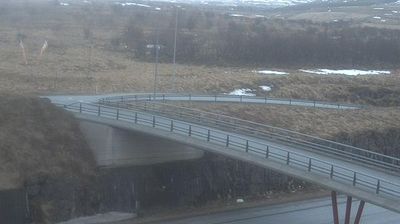
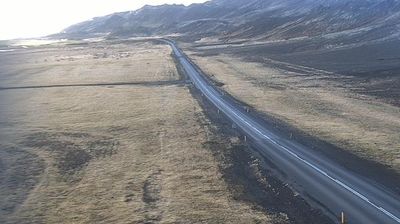
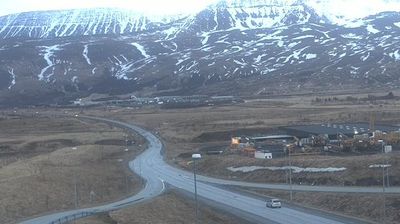
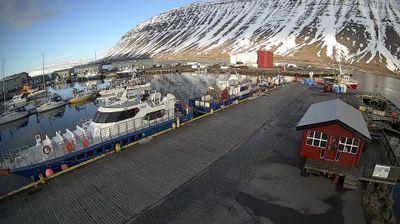
Flag of Islàndia

Live Webcams in Islàndia

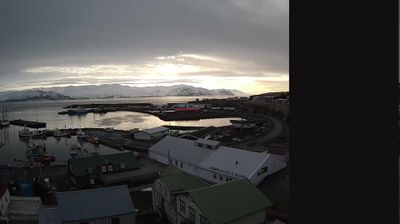
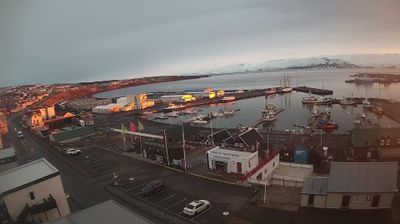
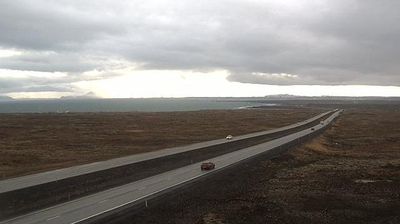
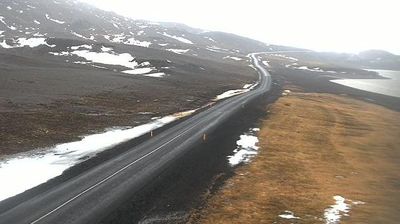
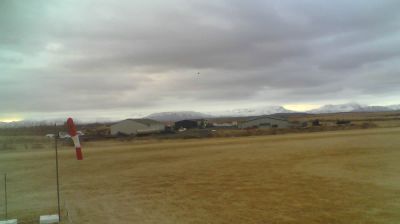
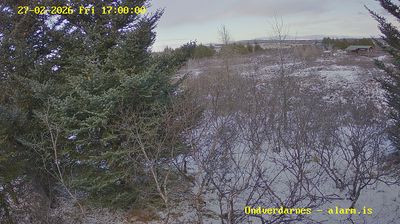
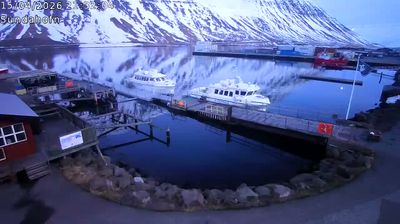
Welcome to the live directory for Islàndia. Browse the latest streams below, filter by category, or select a specific region to find local weather, traffic, and panoramic views.

Latest Cameras in Islàndia

Why Visit Islàndia Virtually?

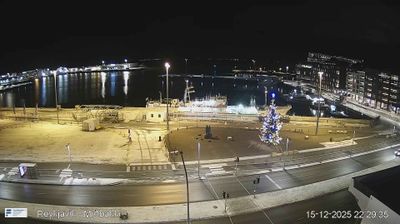
Planning a trip to Islàndia? Or maybe you just miss home? Our curated list of live streams provides high-quality views of the local regions and cities. Check the live weather, see what locals are up to, and enjoy the beautiful views 24/7.


Islàndia

About Islàndia

Islàndia és un estat insular europeu que es troba a l'oceà Atlàntic Nord a la Dorsal atlàntica. El 2021 tenia una població estimada de 376.000 habitants, i una superfície total de 103.000 km². La seva capital i ciutat més gran és Reykjavík, que juntament amb l'àrea que l'envolta concentra dos terços de la població nacional. Islàndia és volcànicament i geològicament activa. L'interior de l'illa es compon principalment d'un altiplà caracteritzat per deserts, muntanyes i glaceres; mentre que molts rius glacials flueixen cap al mar a través de les terres baixes. Islàndia és escalfada pel corrent del Golf i té un clima temperat, tot i l'alta latitud justament als afores del cercle polar àrtic.

📖 Read more on Wikipedia

Frequently Asked Questions

Webcam.beer is a premium global directory of live streaming webcams. We curate and index thousands of real-time cameras from around the world, allowing you to instantly check weather conditions, explore famous tourist spots, view city traffic, and discover beautiful landscapes all in one place.

Yes! The vast majority of the cameras in our network are real-time, live video streams. Some remote or scientific cameras may provide frequently updated high-resolution imagery due to bandwidth constraints in those specific locations.

Absolutely. Browsing, watching, and exploring the webcams on our platform is 100% free. You do not need to pay or create an account to view the live streams.

We love community contributions! You can easily submit a live stream by clicking the 'Add Cam' button in the main menu. Once submitted, our moderation team will review the camera to ensure it meets our quality and safety guidelines before it goes live on the platform.